
You do not need a separate native Spinrollz Casino app from the App Store or Google Play: the full platform runs directly in your mobile browser, including all 13,761 games, live casino, sports betting, bonuses and the cashier in Canadian dollars. On iOS and Android, you can open the site in Safari, Chrome or Firefox and, if you prefer, add a home-screen shortcut that opens like an app. This page explains mobile access step by step, the available features and practical notes about payments and security on the go.
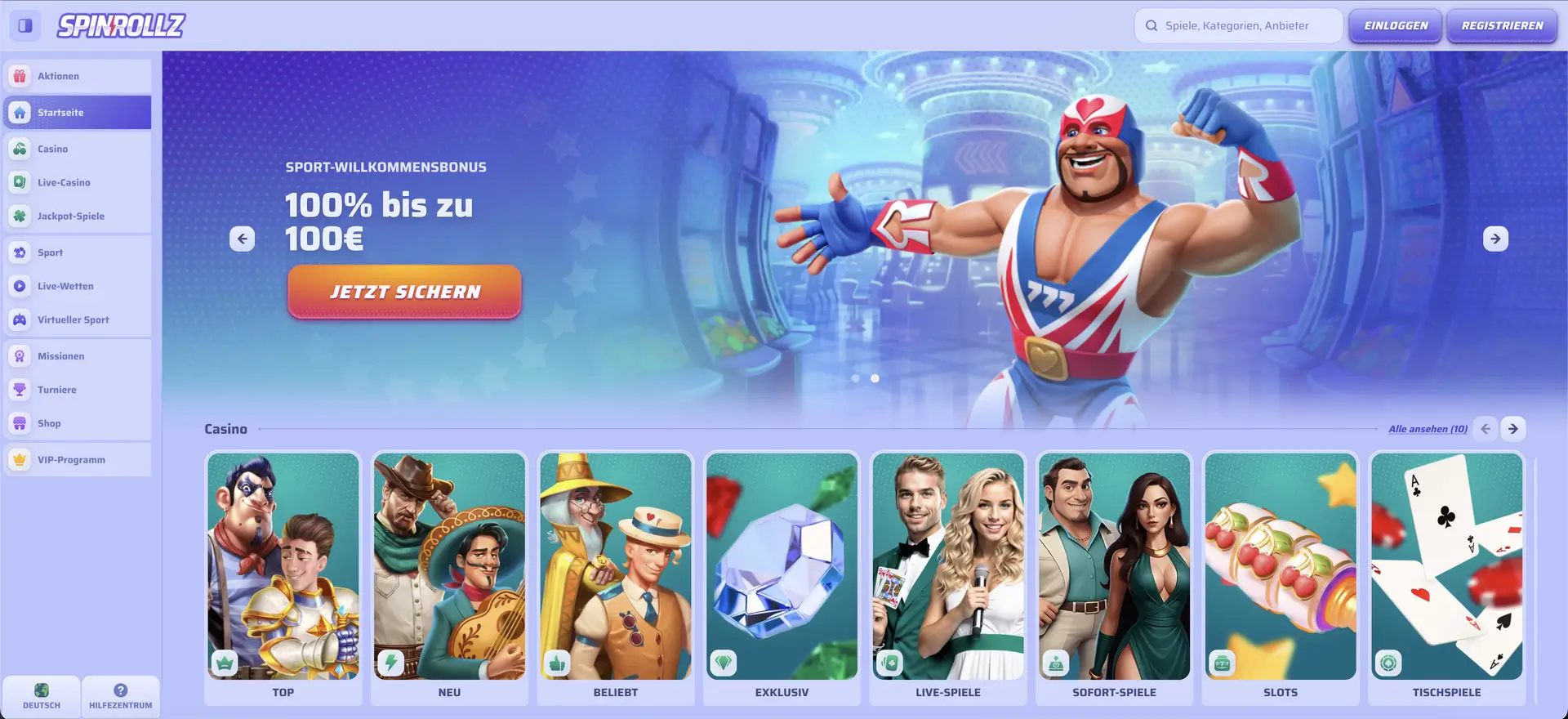
Not having a native app does not mean reduced functionality — the mobile website provides full access to Spinrollz Casino.
| Feature | Mobile access |
|---|---|
| Download required | no — runs entirely in the browser |
| iOS | Safari, Chrome or Firefox |
| Android | Chrome, Firefox or any modern browser |
| Home-screen shortcut | available on iOS and Android |
| Game selection | more than 13,761 games — same as desktop |
| Canadian-dollar cashier | mobile deposits and withdrawals available |
| Bonuses | welcome package, reloads, missions and tournaments |
| Live casino and sports | fully accessible on mobile |
| Updates | automatic — no manual update required |
| Security | encrypted connection, just like desktop |
Is There a Spinrollz Casino App for Android or iOS?
No. There is no separate app to download, and you do not need one. The website is designed to adapt automatically to smartphone and tablet screens. This avoids using storage space for an app, and updates happen in the background without requiring manual installation. If you prefer an app-like experience, simply add the site to your home screen.
How to Access Spinrollz on Mobile
Getting started is almost the same as on desktop. You can be ready in a few steps:
- Open your preferred browser on your smartphone.
- Go to the Spinrollz website.
- Tap Log In or Sign Up at the top right.
- Once signed in, use the games, sportsbook and cashier as usual.
How to Add a Home-Screen Shortcut
If you want Spinrollz to open more like an app, you can add an icon to your home screen. The steps differ slightly between iOS and Android.
iOS (Safari)
On an iPhone or iPad, use Safari's Share menu:
- Open the website in Safari.
- Tap the Share icon (a square with an upward arrow).
- Select Add to Home Screen.
- Confirm the name and tap Add.
Android (Chrome)
On Android, use the Chrome menu:
- Open the website in Chrome.
- Tap the three-dot menu at the top right.
- Select Add to Home screen.
- Confirm your choice — the icon will appear on the home screen.
Features Available on Mobile
The mobile website mirrors the full desktop feature set. Available functions include:
- Casino lobby: all slots, jackpots, table games and instant games with search and filters.
- Live casino: live tables, including the exclusive Gold Saloon range.
- Sports betting: pre-match betting, live betting, virtual sports and the bet slip.
- Cashier: deposits and withdrawals in Canadian dollars by card, bank transfer, Mifinity and crypto.
- Bonuses and extras: welcome package, reloads, cashback, missions, tournaments and the shop.
Smartphone Performance
The mobile version is designed for smooth navigation. In practical use, this is reflected in several areas:
- The homepage and game tiles load quickly.
- Slots launch without long waits and run smoothly.
- Live streams remain stable with a reliable connection.
- You can switch between casino, sports and the cashier without reloading the page.
Mobile Deposits and Withdrawals in Canadian Dollars
The cashier works the same way on mobile as it does on desktop and supports the same methods. The table below shows a selection of options and limits.
| Method | Deposit | Withdrawal |
|---|---|---|
| Pay by Card / Withdraw to Card (Visa) | C$10 – C$2,000 | C$10 – C$3,000 |
| Bank Transfer | C$10 – C$5,000 | C$10 – C$5,000 |
| Revolut (via Bank Transfer) | – | C$10 – C$5,000 |
| Mifinity | C$10 – C$2,500 | C$10 – C$2,500 |
| Bitcoin | C$30 – C$5,000 | C$60 – C$5,000 |
| USDT, Ethereum, Litecoin, USDC and others | C$10 – C$5,000 | C$20 – C$5,000 |
Mobile Security
The connection is encrypted on mobile as well, and the same verification requirements apply to withdrawals as on desktop. A few simple habits can add extra protection while you are on the go:
- Lock your phone with a passcode, fingerprint or facial recognition.
- Avoid making payments over open public Wi-Fi networks.
- Log out manually after using a shared or unfamiliar device.
Tips for Players in Canada
A few practical steps can make mobile use smoother:
- Keep your browser up to date for the best display and performance.
- Use the home-screen shortcut for faster access to login and the cashier.
- Use a stable connection for live casino and live betting.
Frequently Asked Questions About the Spinrollz Casino App
The answers below cover the main questions about mobile use.
Is there a real Spinrollz Casino app?
No. There is no separate native app; the platform runs entirely in the mobile browser and offers the same main functionality as desktop.
How can I use Spinrollz like an app?
Add a home-screen shortcut through your browser menu. It opens the website directly, much like an app icon.
Does the mobile version work on iPhone and Android?
Yes. The website works on iOS and Android in common browsers such as Safari, Chrome and Firefox.
Can I deposit and withdraw on mobile?
Yes. The full Canadian-dollar cashier is available on mobile, including card, bank transfer, Revolut, Mifinity and cryptocurrency options.
Are all games available on mobile?
Yes. The complete catalogue of more than 13,761 games, including live casino and jackpots, is accessible on mobile.
Do I need to update the mobile version?
No. Because Spinrollz Casino runs in the browser, updates are applied automatically without a manual app update.